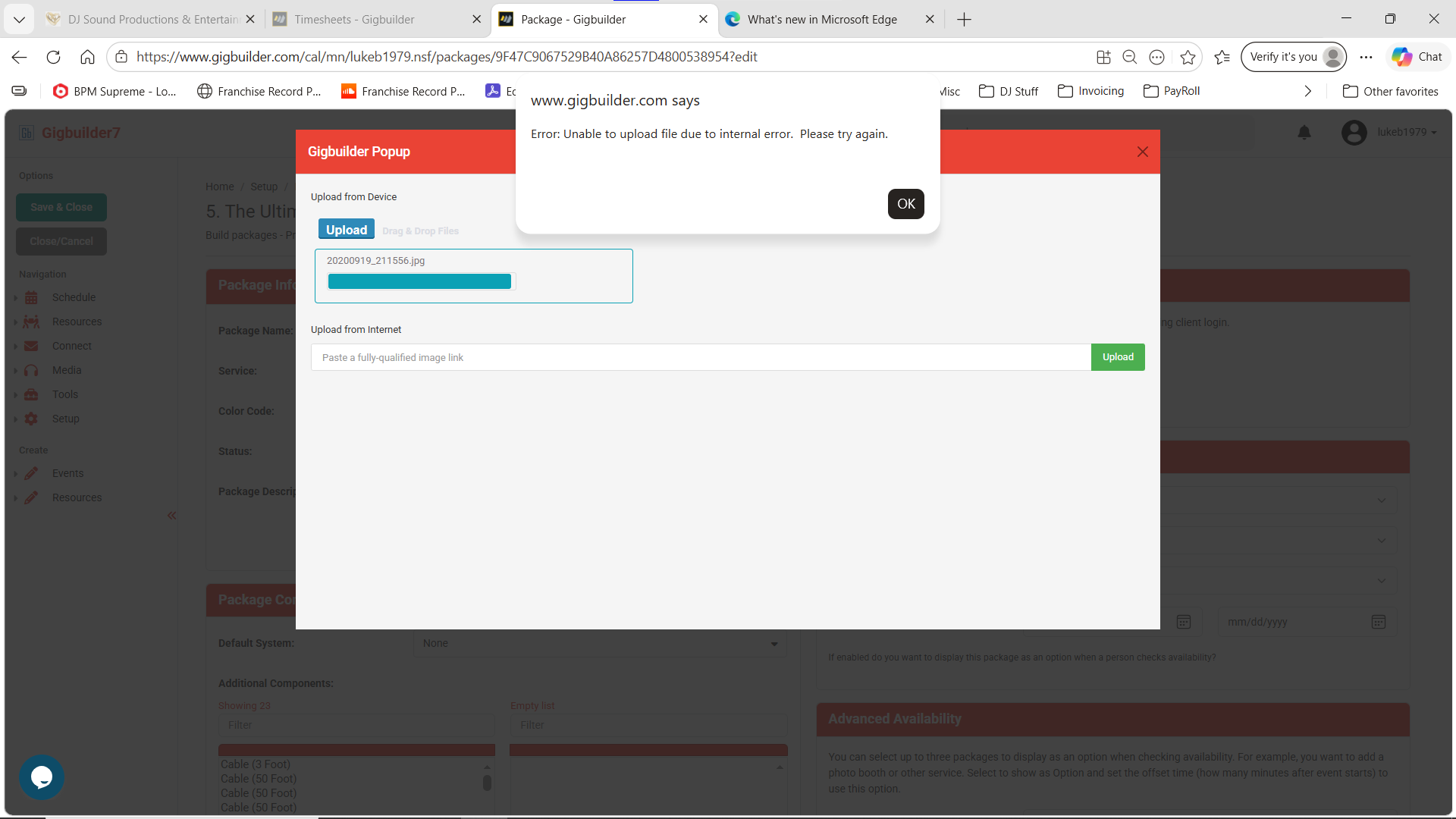
Hi @lukeb1979,
It sounds like you might be running into storage issues when trying to add images to your Gigbuilder packages. Here are a couple of things to check:
-
Storage Quota: Make sure you monitor your storage quota. If you’re out of storage, you won’t be able to upload new images. You can check your current usage in the Quota Dashboard.
-
Image Optimization: If your images are large, consider resizing them before uploading to save space.
If these tips don’t resolve your issue, please feel free to reach out, and our team will be happy to assist you further!
Best,
– Ashley, Gigbuilder Support
THey are not large. I had other images previously. But changing them now, with any image is causing issues.
Hi @lukeb1979,
It sounds like you might be running into a storage issue. Here are a couple of things to check:
- Monitor your quota: If you’ve run out of storage, you won’t be able to upload new images. Make sure you have enough space available.
- Optimize images before uploading: Even if the images are not large, resizing them to reasonable dimensions can help conserve storage.
You can check your storage usage in the Gigbuilder Cloud section under Setup → Gigbuilder Setup → Gigbuilder Cloud.
If you’re still having trouble after checking these points, feel free to reach out, and our team will be happy to assist you further!
Best,
– Ashley, Gigbuilder Support
I never knew of a quota. There is NO way to monitor this. And your path dos NOT exist in Gigbuilder. You are mentioning something that is NOT there. You mention resize, but yet, you do NOT tell us what sizes are accepted. I did as small as 200pxx200px. Same issue
Plus, the program should resize them to fit the window. I can’t go through and resize every image. So you will need to escalate this to someone who knows what to do, you do not.